Hp Probook Elitebook Bios Unlock V2 5.18 Software !!hot!! Download -
The HP ProBook/EliteBook BIOS Unlock Tool (often referred to as the Mazzif utility) is a well-known community-created tool used to reset forgotten BIOS administrator passwords on older HP business laptops.
Before using unofficial software, which can potentially "brick" your motherboard or introduce security risks, consider these standard methods: Hp Probook Elitebook Bios Unlock V2 5.18 Software Download
, which automatically repairs BIOS tampering, making these third-party tools largely obsolete or dangerous for newer hardware. Official Alternative : If you have proof of ownership, you can contact HP Business Support to request an official file specifically for your machine. for BIOS recovery? The HP ProBook/EliteBook BIOS Unlock Tool (often referred
- Enhanced Performance: By unlocking the BIOS, users can overclock the CPU and adjust memory timings, potentially leading to significant performance gains.
- Customization: Users can modify settings that are typically restricted, such as boot options, SATA configurations, and security features.
- Compatibility: The software supports a wide range of HP Probook and Elitebook models, making it a versatile tool for IT professionals.
- Safety: The software includes safeguards to prevent damage to the system, such as built-in protections against incorrect settings.
Option 2: Hardware-Based Reset (for forgotten password)
- Locate the BIOS password jumper or CMOS battery on your motherboard
- Remove the CMOS battery for 10–15 minutes
- Check your specific model's service manual for password clear procedures
Expected file hash (example – check your source):
Size: ~8-12 MB
SHA-256: Varies by compiler – always verify on the original forum thread. Enhanced Performance : By unlocking the BIOS, users
Keywords: Hp Probook Elitebook Bios Unlock V2 5.18 Software Download, Bios Unlock, Hp Probook, Elitebook, Performance Optimization.
Precautions and Risks
- Download the software: Visit a reputable website, such as [insert website URL], and download the BIOS Unlock V2 5.18 software. Make sure to select the correct version for your HP Probook or Elitebook model.
- Create a bootable USB drive: Create a bootable USB drive using a tool like Rufus or Etcher. This will allow you to boot from the USB drive and access the BIOS.
- Enter the BIOS: Restart your HP Probook or Elitebook and enter the BIOS by pressing the designated key (usually F2, F10, or Del).
- Update the BIOS: Update the BIOS to the latest version using the built-in update tool.
- Run the BIOS Unlock V2 5.18 software: Insert the bootable USB drive and run the BIOS Unlock V2 5.18 software. Follow the on-screen instructions to unlock the BIOS.

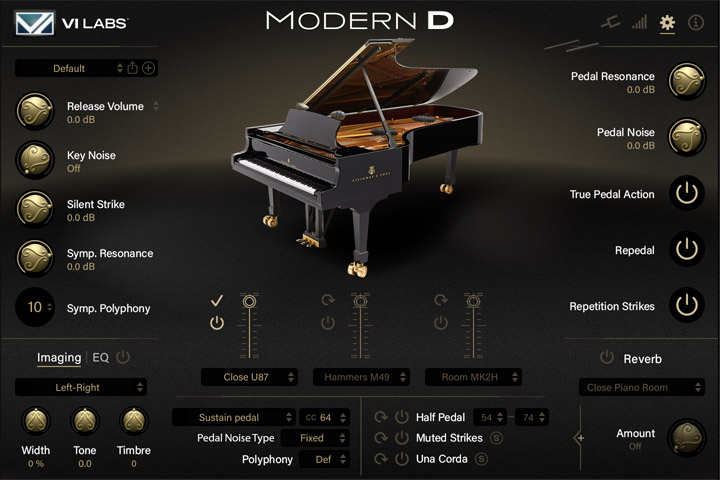
 A virtual Model D like no other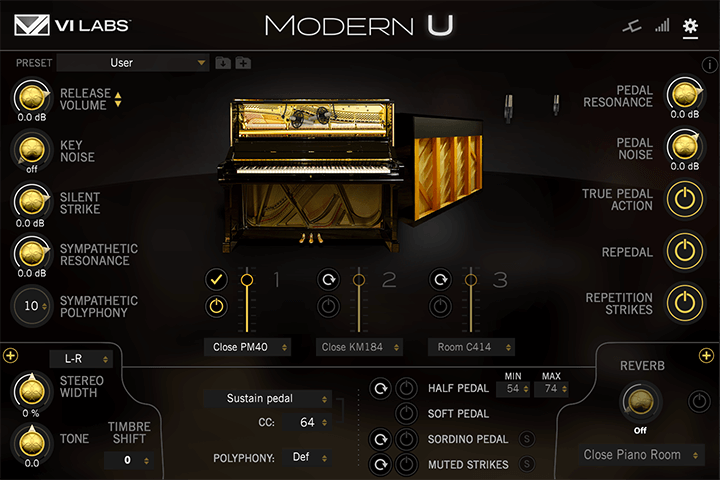
 Modern studio upright piano
 Deeply sampled classic American concert grand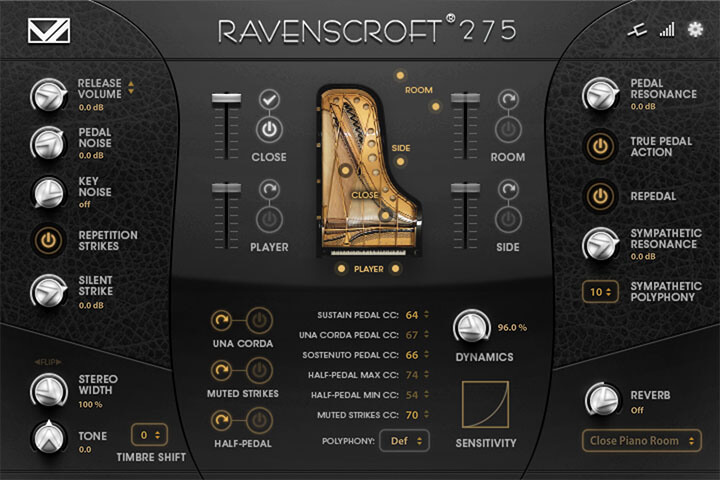
 A virtual piano like no other
 Three deeply sampled virtual concert grands
 Deeply sampled German semi-concert grand
 Deeply sampled 10 foot Italian concert grand